 Talkalo
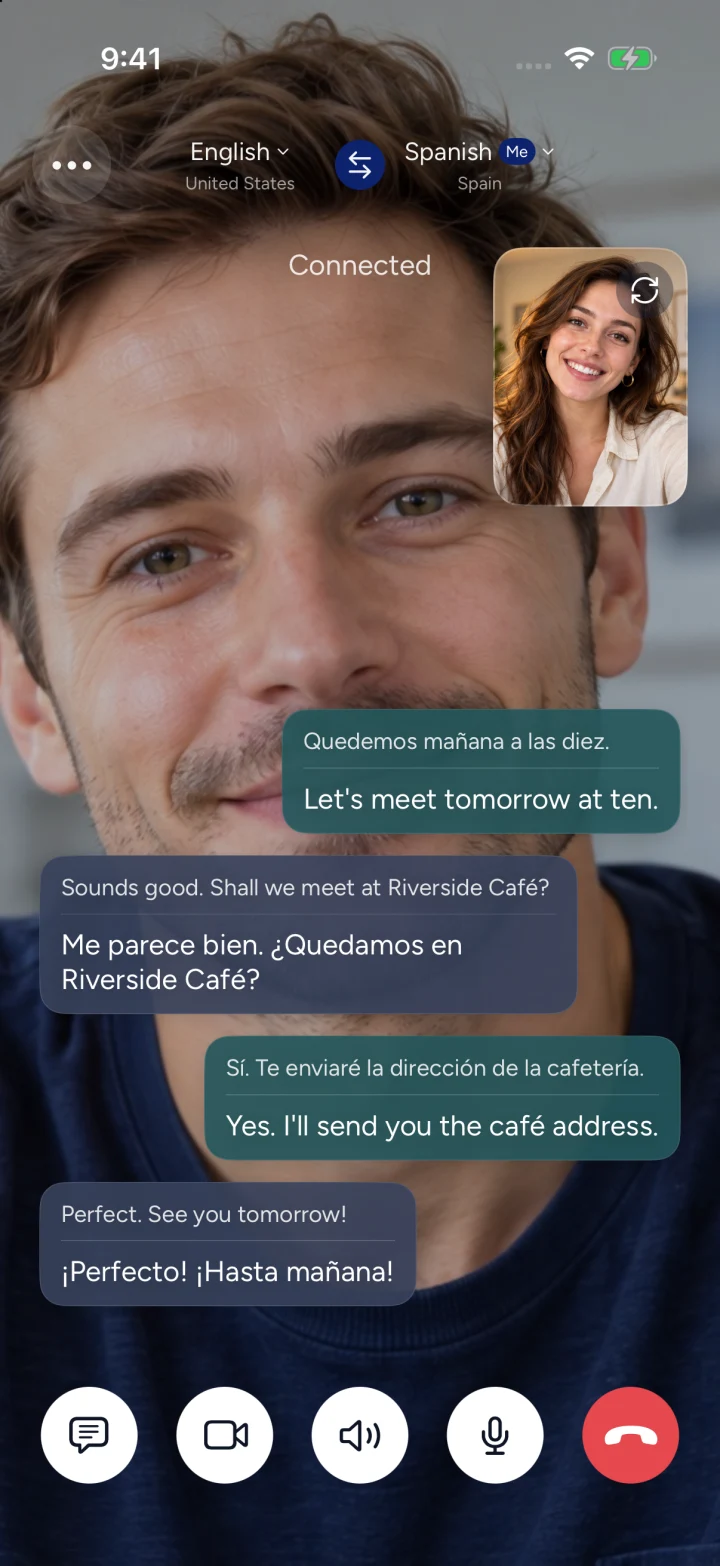
Quedemos mañana a las diez.
Let's meet tomorrow at ten.
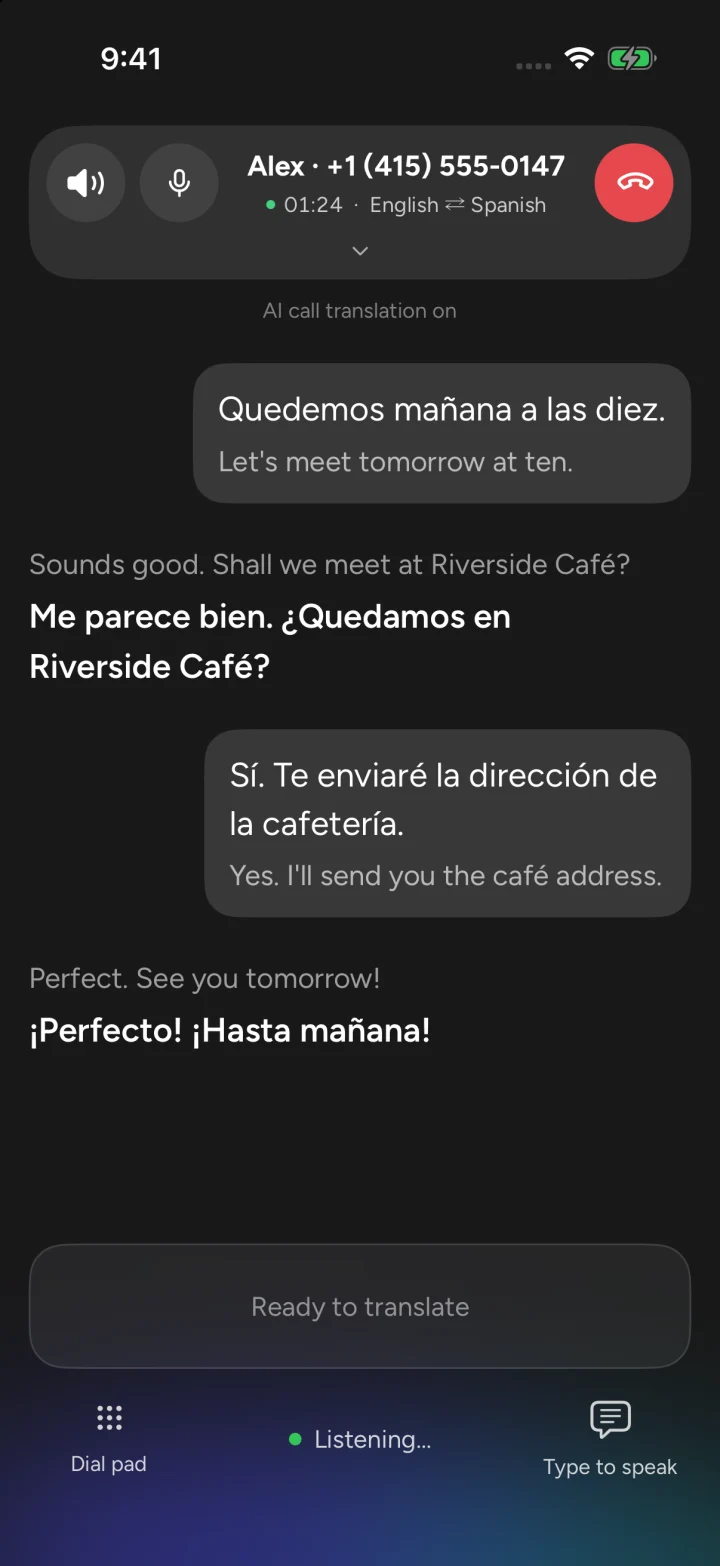
Quedemos mañana a las diez.
Let's meet tomorrow at ten.
Real-time translation for calls and conversations.
Talkalo is an iPhone app for real-time phone call, voice and video link, and face-to-face translation. Hear translated speech and follow bilingual captions. Phone recipients answer their usual phone; link guests join in a browser.
Three steps to start talking.
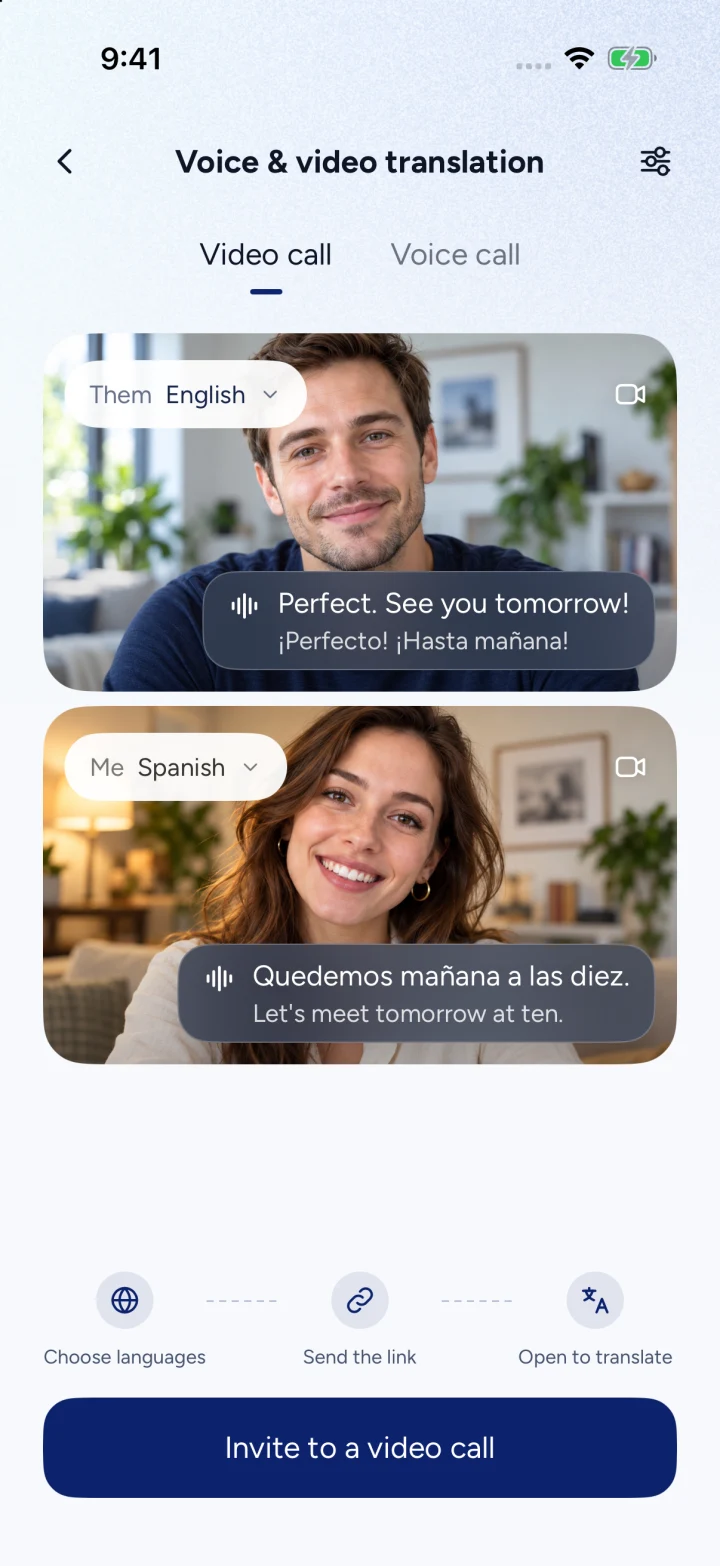
Hear it. Read it. Keep it.
Quedemos mañana a las diez.
Let's meet tomorrow at ten.
One phone. Two languages.
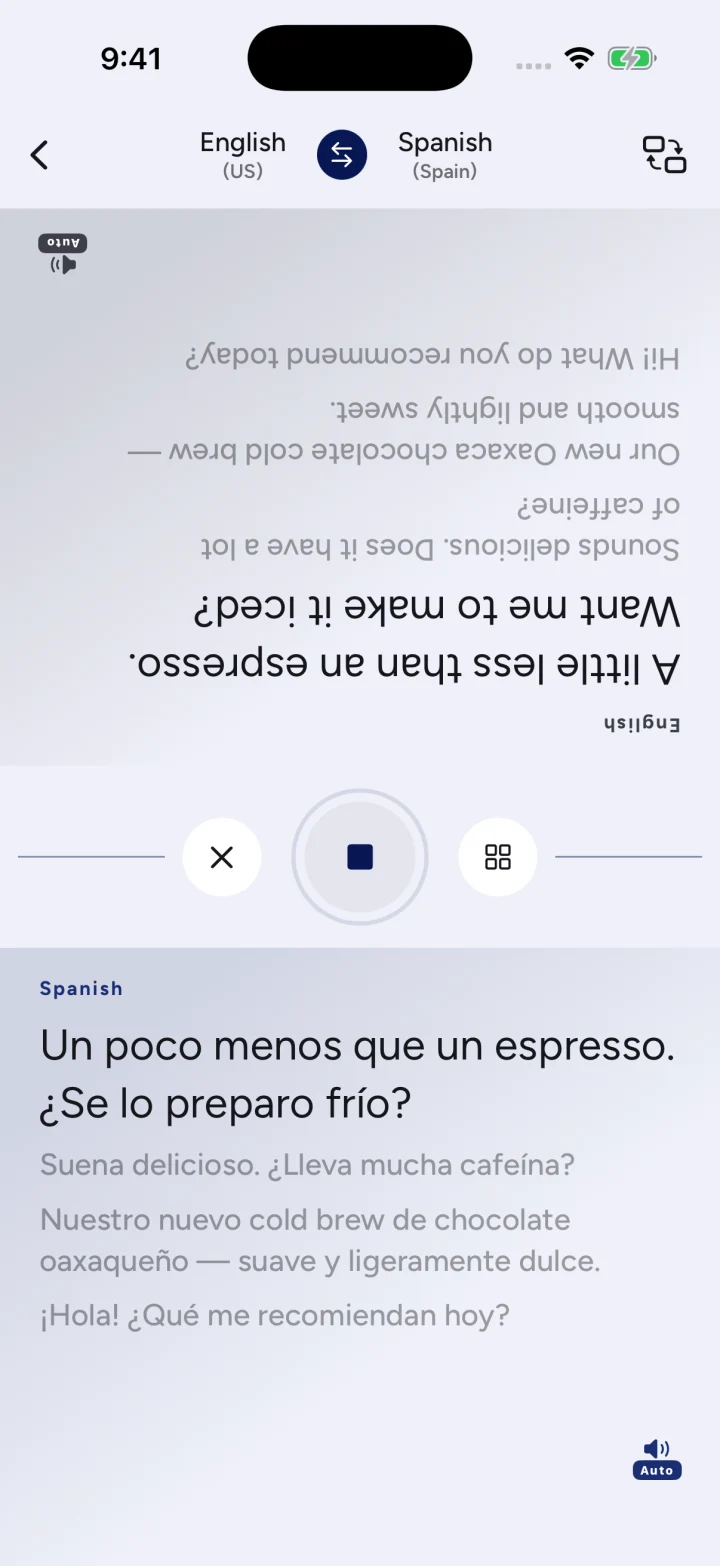
New words. A familiar voice.
For everyday conversations
Book before you arrive.
Call a restaurant or hotel abroad. Ask about availability and confirm the time, address and reservation details.
Explore phone translation02Settle into life abroad.
Arrange a delivery, discuss a repair or ask a local service a question. Keep important details in view with bilingual captions.
Explore phone translation03Catch up, face to face.
Send a video call link to a friend or family member. See each other, speak your own languages and follow the conversation together.
Explore video callsFrequently asked questions
What is Talkalo?
Talkalo is an iPhone app for real-time phone call, voice and video link, and face-to-face translation. Hear translated speech and follow bilingual captions. Phone recipients answer their usual phone; link guests join in a browser.
Does the other person need Talkalo?
For a supported phone call, they answer on their regular phone. For a voice or video link, they join through a supported browser. Face-to-face translation uses one shared phone.
How do video call invitations work?
Create a Talkalo call link and share it through your usual messaging app. Your guest opens the link in a browser and joins your Talkalo conversation. This starts a separate call; it does not translate an existing WhatsApp, WeChat or FaceTime call.
Can I translate calls to my existing number?
Incoming translation uses a supported receiving number. To receive calls placed to your existing number, you first need to set up carrier call forwarding to that receiving number. Availability depends on your carrier and location.
Do I need an internet connection?
Yes. Talkalo needs an internet connection for speech recognition and translation. Both people need internet access for a voice or video link. For phone calls, the recipient answers their regular phone.
Which languages and calling destinations are available?
Language options include Chinese, English, Spanish, Japanese, Korean, French, German, Portuguese, Arabic and Thai, with broader catalogs for phone and link calls. Available languages and AI voices depend on the mode. Phone destinations are checked separately; supporting a language does not mean calls are available to every country.
How much does it cost?
Translated conversations use credits. Phone rates depend on the destination and connected duration; only the host pays for link calls. Talkalo Pro adds periodic credits and a second number for incoming calls, subject to availability. Incoming calls require Pro and use credits. Subscribers can buy extra credit packs. Check regional prices and current rates in the app.
Where can I download Talkalo?
Talkalo is an iPhone app distributed through the App Store. Search for “Talkalo” in the App Store on your iPhone.
How do I delete my data?
In the app, open Me → Privacy & terms → Delete my data. This removes your Talkalo records and releases your second number; it does not cancel an Apple subscription. You can also email support@calvityai.com.